Disclosure: As an Amazon Associate we earn from qualifying purchases.
If you want to know how to print custom guitar picks on Bambu A1 Mini, the short answer is this: model or download a 1.0–1.2 mm pick blank, slice it in Bambu Studio with PETG or tough PLA at a 0.12 mm layer height and 100% infill, and let the A1 Mini's auto-calibration handle the fiddly bits. The 180 × 180 × 180 mm bed can knock out 30+ picks per plate, the textured PEI sheet leaves a subtle grain players actually like, and a full batch finishes in under an hour. This 2026 guide walks through the exact filament, slicer, and finishing decisions.
Why the Bambu A1 Mini is a quietly perfect pick printer
Guitar picks are tiny, flat, and thin — three properties that punish printers with sloppy first layers, soft beds, or jittery motion systems. The A1 Mini happens to be unusually good at all three. Its full auto bed leveling, flow calibration, and pressure-advance tuning take care of the things that normally cause failed picks on a budget machine: lifted corners, elephant-foot bulges, and inconsistent thickness across a batch. The 0.4 mm stock nozzle is small enough to render a clean 1.0 mm edge, and the bed-slinger Y-axis isn't a problem at this scale because the picks barely move under acceleration.
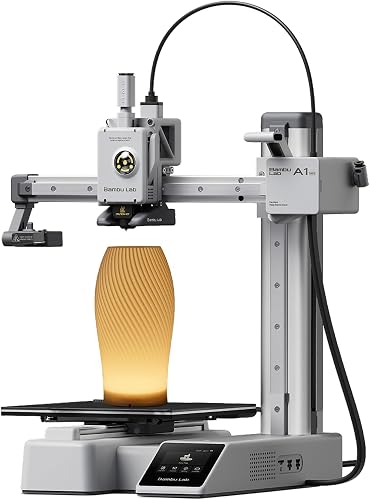
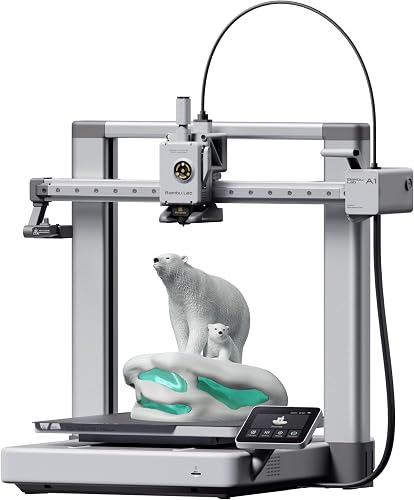
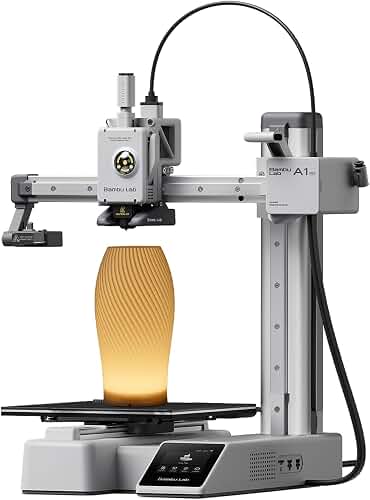
If you're still on the fence about the printer itself, our Bambu Lab A1 Mini review goes deeper on long-term reliability and the AMS Lite multi-color add-on, which becomes relevant the second you want a two-tone logo on the back of a pick.
What you need before you start
Keep the parts list short — picks don't require exotic hardware:
- A Bambu A1 Mini with the stock 0.4 mm hotend and textured PEI build plate
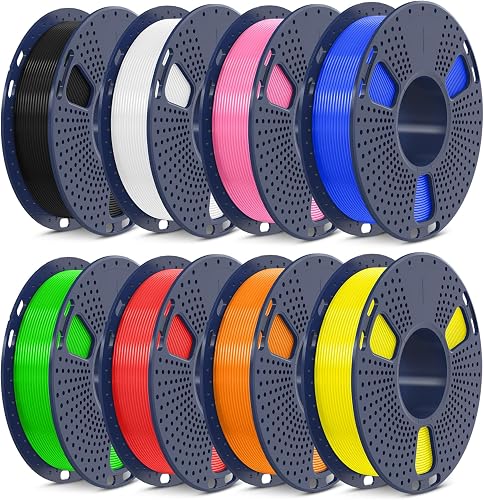
- One spool of pick-appropriate filament (more on this below)
- Bambu Studio (free) installed on your laptop
- A pick STL — designed yourself or downloaded from MakerWorld, Printables, or Thingiverse
- Optional: 400/600/1000 grit sandpaper, a small file, a paint pen for branding
That's it. You don't need an enclosure, a hardened nozzle, or a heated chamber to make playable picks. If your printer is new and you're still working through your first jobs, the first-time 3D printer setup guide covers the broader unboxing and calibration steps that apply here too.
Choosing the right filament for guitar picks
Material is the single biggest decision when learning how to print custom guitar picks on Bambu A1 Mini. Each filament gives a noticeably different tone and feel, and there is no objectively "best" one — only the right match for your playing style.
PETG: the default recommendation
PETG is the sweet spot for most players. It's tougher than PLA, doesn't shatter, holds an edge through hours of strumming, and has a warm midrange tone that sits between a nylon Tortex and a Delrin Dunlop. It also prints beautifully on the A1 Mini's textured plate at 230–250 °C with the bed at 70 °C. Stringing on pick edges is the only real concern, and Bambu Studio's default PETG profile handles it cleanly with a small retraction tweak.
PLA and PLA+ (tough PLA)
Standard PLA makes a pick that sounds bright and clicky — closer to a celluloid pick — but it will chip on aggressive downstrokes and slowly deform if you leave it in a hot car. If you want PLA's stiffness and easy printing without the brittleness, go with a "tough" or "PLA+" variant. Our PLA filament guide breaks down the differences between standard and modified PLAs in detail.
TPU (flexible)
95A or 98A TPU produces a pick with noticeable give — useful for soft strumming on an acoustic, awful for fast alternate picking. Print TPU at 0.12 mm layers, slow speeds (40 mm/s), and 100% infill. The A1 Mini handles TPU surprisingly well because of its short, direct-drive filament path.
Nylon (PA-CF, PA6-GF)
Carbon- or glass-filled nylon makes the most premium-feeling picks: stiff, slick, with a tone that resembles Tortex. However, it requires a hardened nozzle and a very dry spool, so it's better as a graduation project once you've made a few PETG runs.
Designing or downloading the pick model
You have three sane options:
- Download a parametric blank. MakerWorld and Printables both host customizable pick generators where you set thickness, shape (351, Jazz III, triangle), and bevel angle. Slice and go.
- Model your own in Tinkercad. Drop a 30 × 26 mm rounded teardrop, extrude it 1.0 mm, fillet the playing tip at 0.5 mm radius, and you have a working pick in under five minutes. Add embossed text or a logo on the top face for grip and branding.
- Use Fusion 360 for repeatable parametric picks. Build a sketch with driven dimensions for thickness, tip radius, and shoulder width. Changing one parameter regenerates the whole pick — useful when you want to make a 10-pack in graduated thicknesses.
Standard pick thicknesses to anchor your designs: thin 0.46 mm, medium 0.73 mm, heavy 0.96 mm, extra heavy 1.20 mm. The A1 Mini can hit any of these reliably, but anything under 0.6 mm is a four-layer print with very little forgiveness — start at 1.0 mm and work down.
Bambu Studio slicer settings that actually matter
Open Bambu Studio, choose the A1 Mini profile, and load the pick STL. The default "0.20 mm Standard" profile will work, but a few tweaks make the difference between a usable pick and a great one.
- Layer height: 0.12 mm. A 1.0 mm pick is only five layers at 0.20 mm — not enough to absorb a single bad line. Drop to 0.12 mm and you get eight layers, smoother top surface, and more consistent thickness.
- Infill: 100%, gyroid or concentric. Picks are too thin for sparse infill to mean anything. Set it to 100% so the wall and infill bond into a solid puck.
- Walls: 3 perimeters. With 100% infill this is partly redundant, but three walls hide layer lines on the playing edge.
- Top/bottom layers: 4 each. Eliminates pinholes on the face.
- Speed: keep defaults, but cap outer wall at 80 mm/s. The A1 Mini can go faster, but slower outer walls give you the crisp bevel edge that's hard to recover by sanding.
- Cooling fan: 100% from layer 2. Picks are small and hot plastic doesn't have time to set otherwise.
- Brim: none. A brim wrecks the bevel. The textured PEI plate plus default first-layer flow is more than enough adhesion for a 30 × 26 mm footprint.
- Plate layout: arrange picks 5 mm apart in a grid. 30 picks per plate is realistic; 40 is doable if your design is small.
If you want logos or two-color picks, the AMS Lite makes color changes on a flat top face trivial — Bambu Studio's color painter handles the slicing without manual filament-change M600 commands.
First layer and bed preparation
Picks live or die on the first layer. Three rules:
- Clean the textured PEI plate with 90%+ isopropyl alcohol before every batch. Skin oils kill adhesion on parts this small.
- Let auto bed leveling run. Don't skip it on the A1 Mini — the lidar/load-cell combo only adds about 90 seconds and it eliminates the corner-lift problem entirely.
- Trust the Bambu first-layer flow. Do not crank flow up to "squish more." The factory-tuned 0.20 mm initial layer with 100% flow gives an even bottom face on a 1.0 mm part. Over-squish causes elephant foot, which thickens the playing edge and ruins the bevel.
For a deeper dive into first-layer geometry on this class of printer, see how to level a 3D printer bed.
Post-processing: turning a printed disc into a playable pick
A raw print is functional but rough. Ten minutes of finishing converts it into something you'd actually pay for.
- Knock down the seam. The outer-wall seam will sit on one edge of the pick. Find it, drag a hobby knife along it, and you've removed 80% of the felt difference between your pick and a Dunlop.
- Bevel the playing tip. Hold the pick at roughly 30° on 400-grit sandpaper and pull it across in one direction, 8–10 strokes per face. This gives you a directional bevel like a Jazz III. Flip and repeat for the upstroke side if you alternate-pick.
- Polish. 1000-grit, dry, light pressure, until the edge stops squeaking on the string.
- Brand (optional). A silver or gold paint pen on the top face fills embossed text or a logo. Wipe excess with a fingertip before it dries.
A well-beveled PETG pick feels almost identical to a 0.96 mm Tortex in the hand, with slightly more snap on attack.
Common problems and fixes
Three issues account for almost every failed pick:
- Warping or lift on the back row of the plate. Almost always a dirty plate. Wash with dish soap and water, dry, then wipe with IPA.
- Stringy / blobby edges. Re-run Bambu Studio's flow dynamics calibration on the specific filament. The default PETG profile is generic; a 60-second cal removes the strings.
- Inconsistent thickness across the batch. Caused by skipping auto bed leveling, or by a worn build plate. New plates ($15) restore the issue immediately on the A1 Mini. For more systemic troubleshooting, our 3D printer troubleshooting guide covers the broader patterns.
How long does a batch take and what does it cost?
A plate of 30 picks at 1.0 mm thick, 0.12 mm layer height, PETG, comes in around 55–65 minutes on the A1 Mini. Filament cost: about 12 g, or roughly $0.30 of a $25/kg spool. Per-pick cost is under 2 cents in material — the time investment is the only thing that matters, and a 30-pack is enough to last a gigging player a year.
Frequently Asked Questions
What is the best filament for printing guitar picks on the Bambu A1 Mini?
PETG is the best all-around filament for guitar picks on the A1 Mini. It survives aggressive picking without chipping, sounds warmer than PLA, and prints cleanly on the stock textured PEI plate at 240 °C / 70 °C bed. PLA+ is a fine second choice if you only have PLA on hand; carbon-fiber nylon is the upgrade pick if you have a hardened nozzle.
Can I print thin (0.6 mm) guitar picks on the A1 Mini?
Yes, but drop your layer height to 0.08 mm so you get seven or eight layers instead of three. Use 100% infill, three perimeters, and slow the outer wall to 60 mm/s. Anything thinner than 0.6 mm is hard to keep flat as it cools and is better cut from sheet material than printed.
Do I need an enclosure or AMS to print guitar picks?
No. PETG and PLA don't need an enclosure, and a single-color pick doesn't need the AMS Lite. The AMS Lite only becomes useful when you want a contrasting logo, name, or color-flipped back face on the pick.
Will 3D-printed picks damage my guitar strings?
No more than commercial nylon or Delrin picks, provided you bevel the playing tip. An un-beveled FDM pick has visible layer lines on its edge that can shed plastic onto coated strings — 30 seconds with 400-grit sandpaper eliminates this completely.
How do I add my band's logo to a printed pick?
Import the logo as an SVG into Bambu Studio's text/emboss tool, scale it to fit the top face, and emboss it 0.4 mm tall. Either let it print in the same color (you'll feel it for grip), or use the color painter with an AMS Lite to print it in a second filament. A paint pen on a single-color embossed logo is the lowest-effort method.
Is the A1 Mini's 180 mm bed too small for batch printing picks?
Not at all. A 30 × 26 mm pick fits 30+ copies on the bed with 5 mm spacing. The bed-slinger Y-axis is irrelevant at this part size because picks barely have mass to shake. If you want to scale to hundreds at a time, a larger Bambu printer makes sense, but for personal or small-merch runs the A1 Mini is the right tool.
What slicer settings give the smoothest playing edge?
Three perimeters, outer-wall speed capped at 80 mm/s, 0.12 mm layer height, and the seam set to "aligned" on the back (non-playing) edge of the pick. Combined with a light pass of 1000-grit sandpaper, you get an edge that feels indistinguishable from an injection-molded pick.
Final thoughts
Learning how to print custom guitar picks on Bambu A1 Mini takes one evening and one spool of PETG. The printer's auto-calibration removes the variables that normally make tiny flat parts a nightmare, and the textured PEI plate gives picks a satisfying grain straight off the bed. Start with a 1.0 mm parametric blank, dial in flow dynamics for your filament, and bevel every pick — that's the entire workflow. If you're still printer-shopping and the A1 Mini isn't a lock yet, our roundup of the best 3D printers for beginners compares it directly against the other sub-$300 options for 2026.
Key Takeaways
- Choosing the right how to print custom guitar picks on bambu a1 mini means matching the key features to your specific needs and budget
- Read real customer reviews and check the return policy before you commit
- Also covers: bambu a1 mini guitar pick settings
- Also covers: pla vs petg guitar picks a1 mini
- Also covers: personalized guitar pick 3d print a1 mini
- Compare value across models — the priciest option is not always the best fit